
Getting Started
From install to your first chart in about five minutes — no configuration required.
- Install FlowPaths from the Atlassian Marketplace onto your Jira Cloud site.
- Open a Software project with a board. FlowPaths appears as a tab in that project's sidebar. It only shows up on Software projects with a board — there's nothing to configure to make it appear.
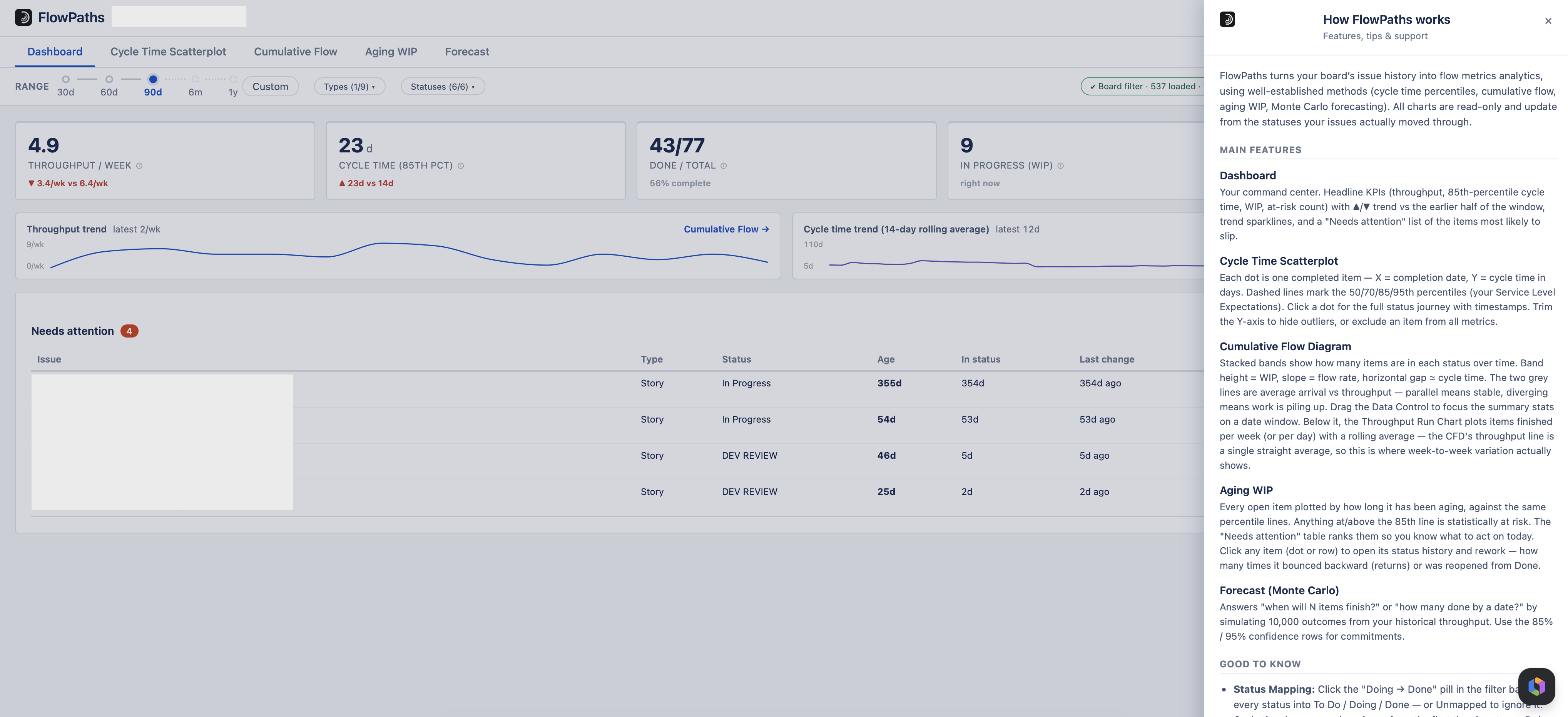
- That's it — your first chart is already there. FlowPaths automatically reads your board's existing saved filter (including multi-project filters) and loads the last 90 days of activity — plus any item that's still open, so a long-running item never silently disappears from Aging WIP or your WIP count. Want more history? The range track goes to 1 year; see Date range. The data-source pill and "View JQL" link show you exactly what was queried, so you can always confirm what you're looking at.
- Set your Status Mapping (recommended, takes a minute). Click the "Doing → Done" pill in the filter bar and drag each of your board's statuses into To Do, Doing, or Done — or Unmapped to ignore a status entirely. This is what makes cycle time accurate for your specific workflow. See Configuration & Filters for details.
- Explore the tabs. Start with the Dashboard for the big picture, then dig into Scatterplot, Cumulative Flow, Aging WIP, or Forecast for the details behind it.
Why Status Mapping matters
Every Jira board has its own custom set of statuses (Backlog, In Review, Blocked, QA, Done — whatever yours are called). FlowPaths doesn't guess which of those count as "in progress" or "finished" — you tell it once, per project, and it remembers. Cycle time is then measured per issue from the first time it enters a Doing status to the first time it enters a Done status, so boards spanning multiple projects with different workflows are all measured consistently.
Working with multiple boards or projects
Status Mapping and excluded issues are saved per project, so each project keeps its own configuration. Switching projects in Jira switches which configuration FlowPaths uses automatically.